Your mobile banking app

iOS 14.7 or above

Android 8.0 or above
What's new
We’ve updated the app to make it quicker and easier to use.
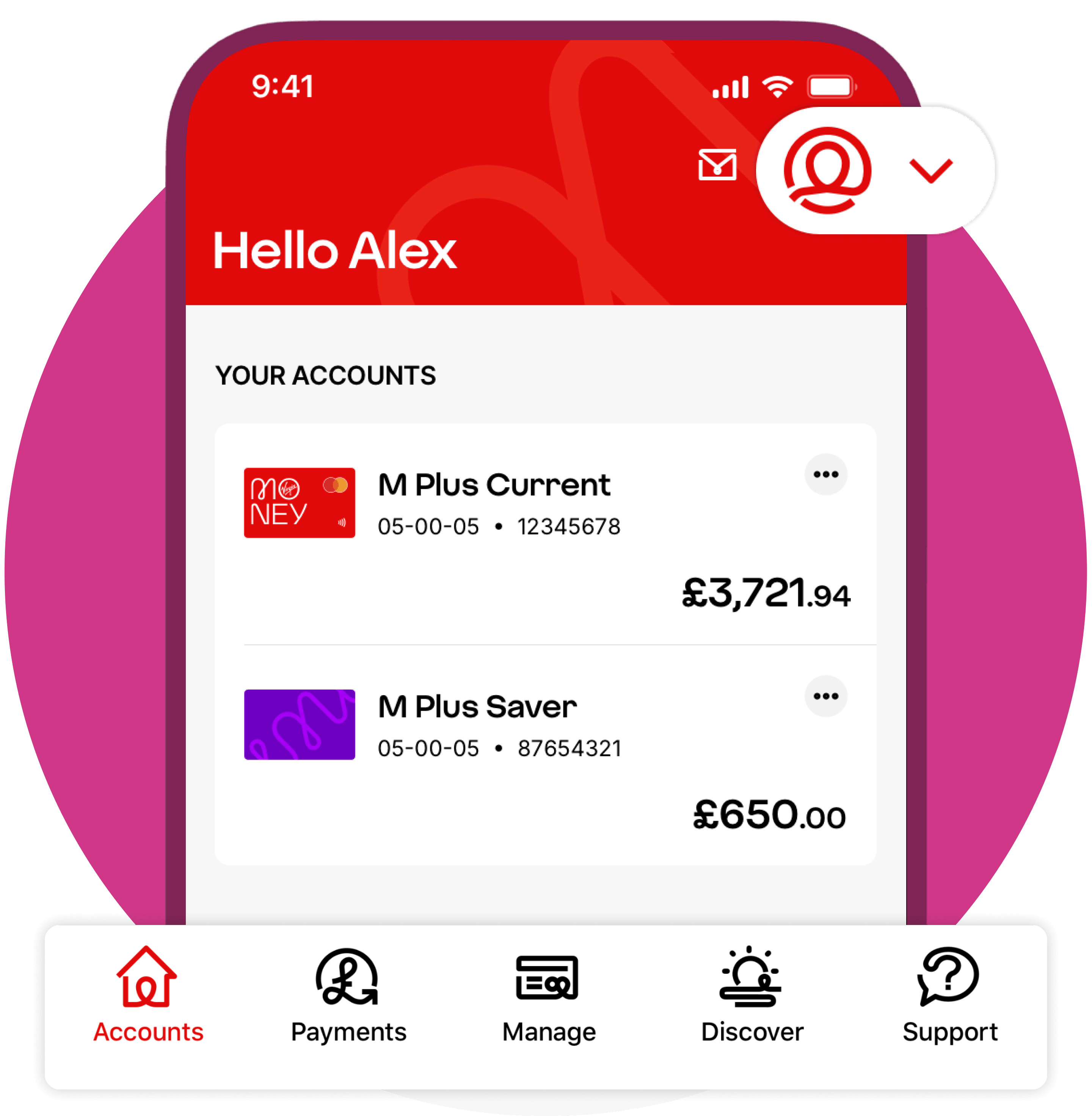
Find things faster
Move between your accounts, payments and settings faster with the new menu and Profile.
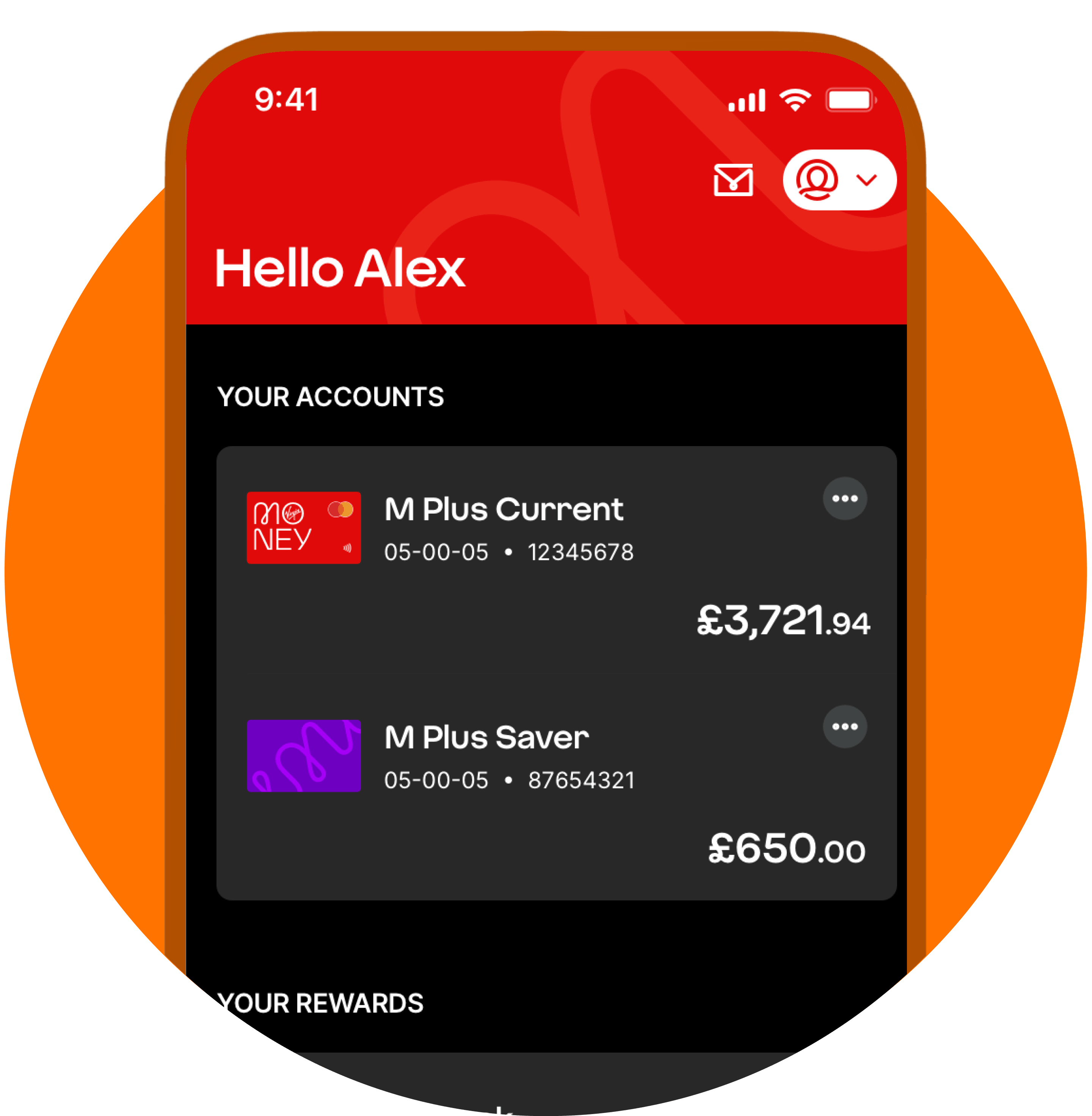
Customise your view
Switch to dark mode or choose a ‘roomy’ layout to make things easier to read. Tap Profile, then Customise your app.
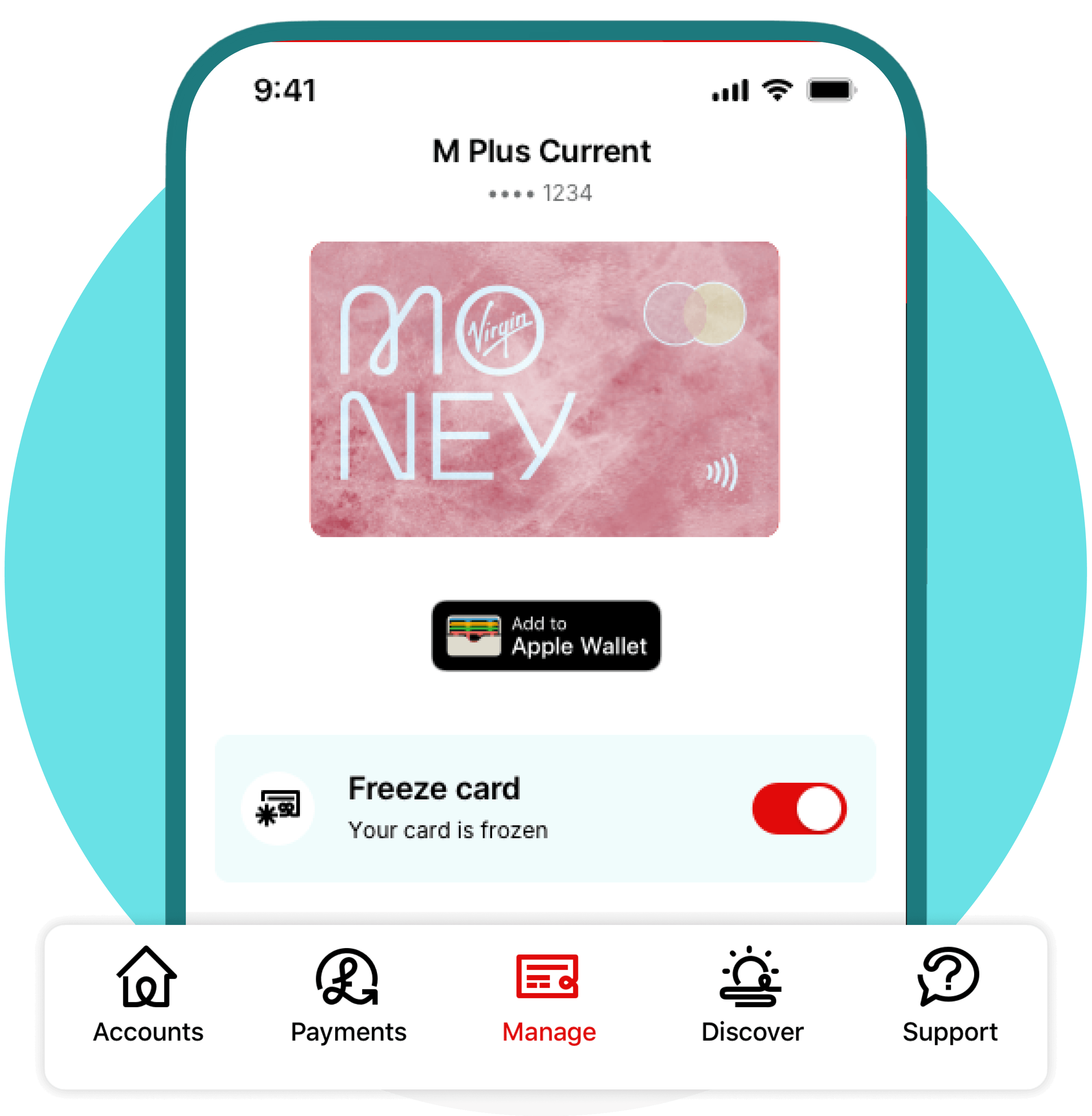
Control your card instantly
Everything for your card is now in one place, so you can freeze it or order a replacement in a tap.
See our app in action
Watch a 3-minute video tour of the key features in our app.
Watch the video Link opens in a new window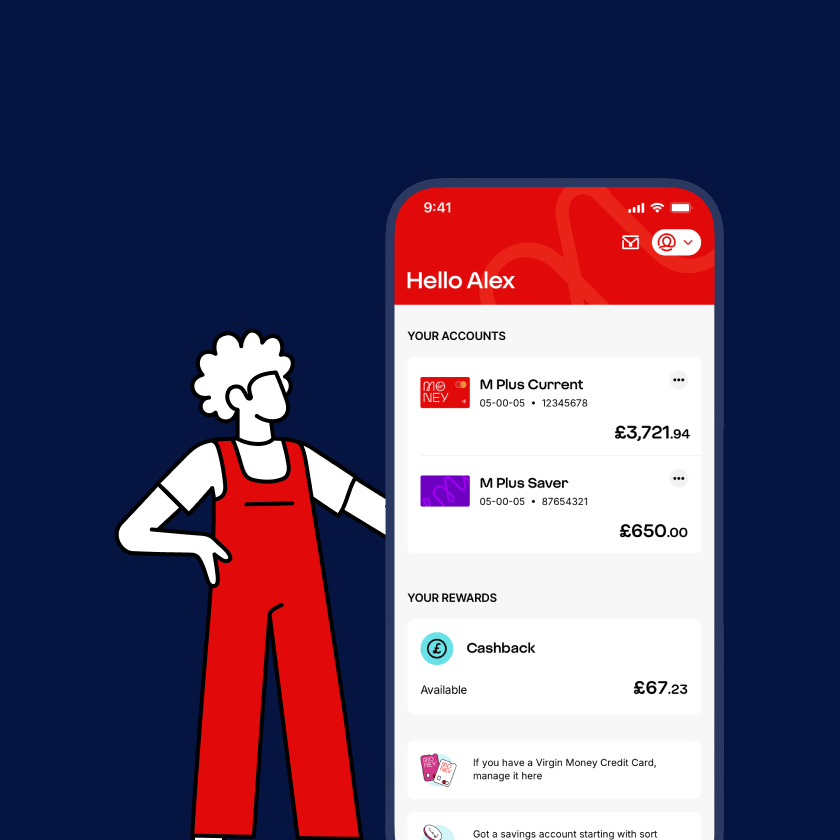
What you can do
From managing your money to making payments, it’s all right here.
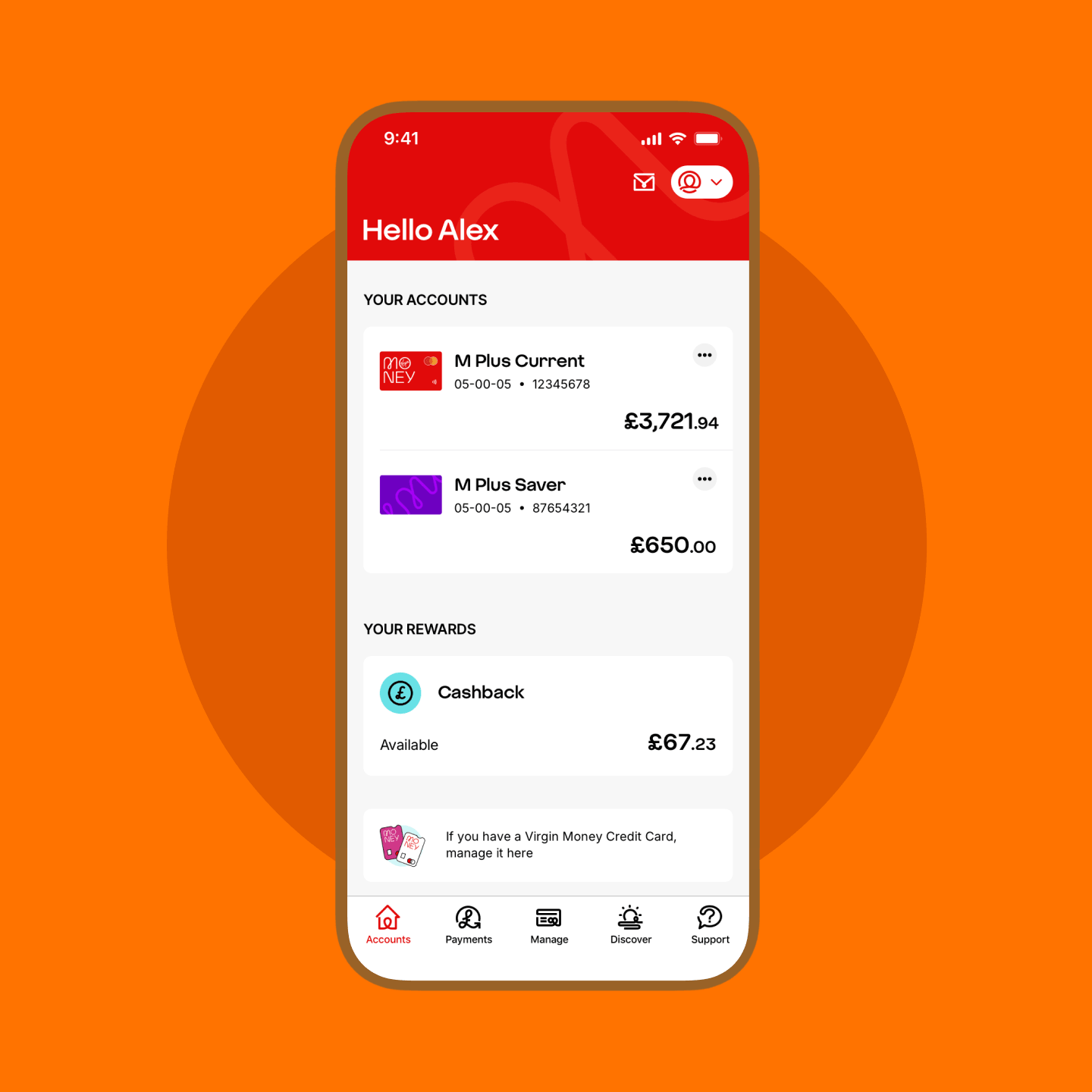
Manage your money
- See your balance and recent transactions at a glance
- Make payments, manage and cancel Direct Debits
- Pay securely in seconds with Apple Pay Link opens in a new window or Google Pay Link opens in a new window
Save and plan ahead
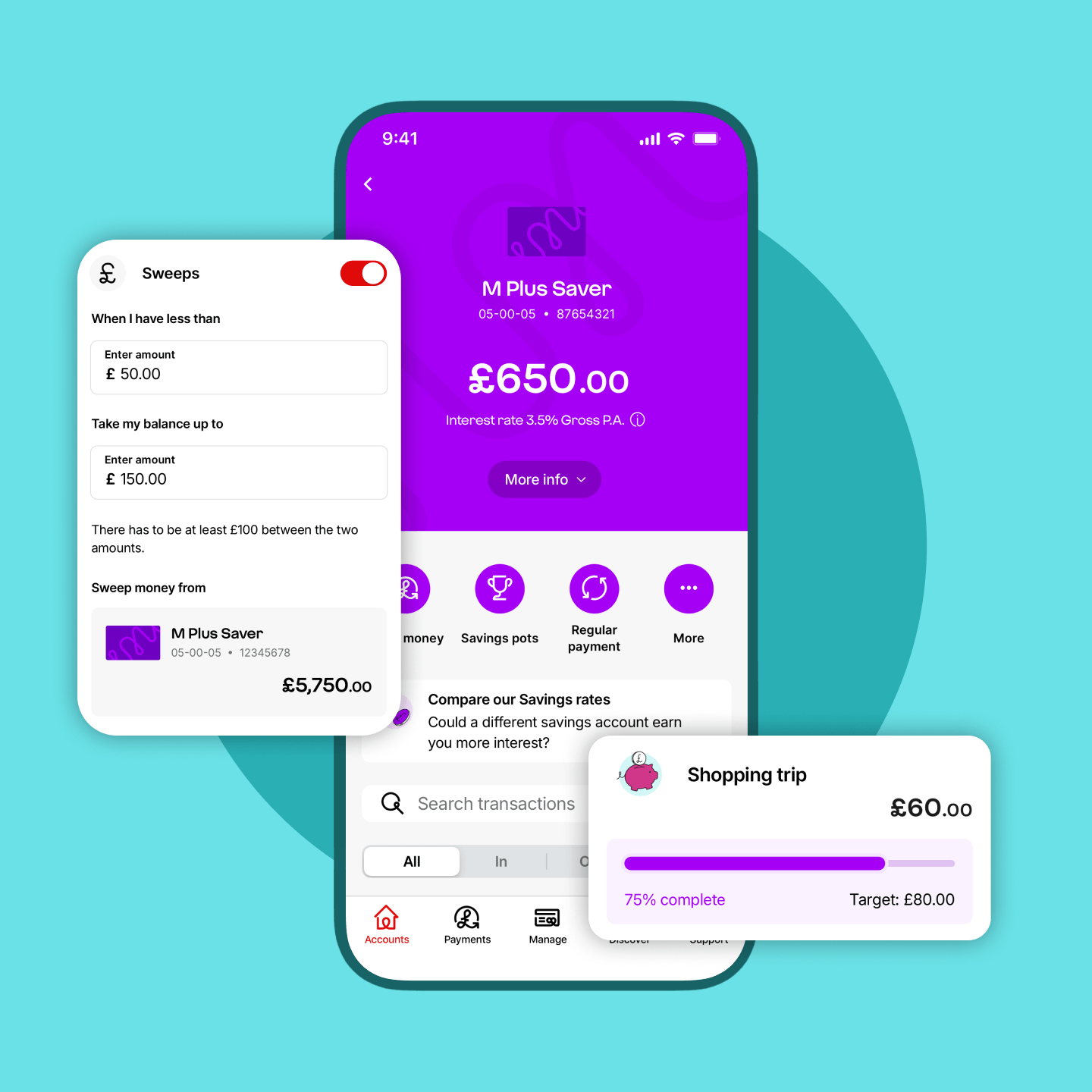
- Set savings targets and move money into pots to stay on track
- Set up a sweep to automatically top up your current account from your savings if your balance drops
- Change or stop your sweeps whenever you like. You’re always in charge
Stay secure
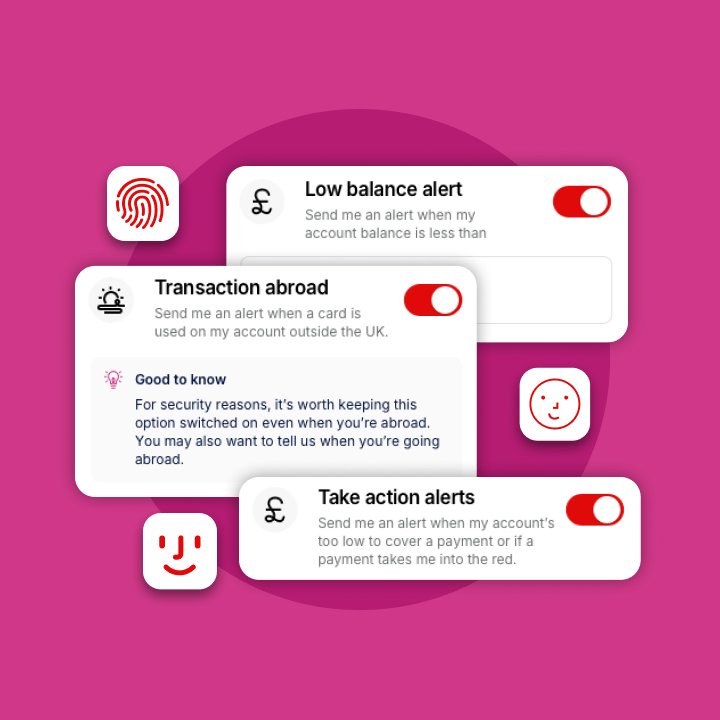
- Sign in securely using Face ID, fingerprint or passcode, so only you can access your account
- Freeze your card, order a replacement and manage card settings quickly if something goes wrong
- Get alerts for payments, balance changes and unusual activity so you can spot issues and act quickly
Earn rewards and cashback
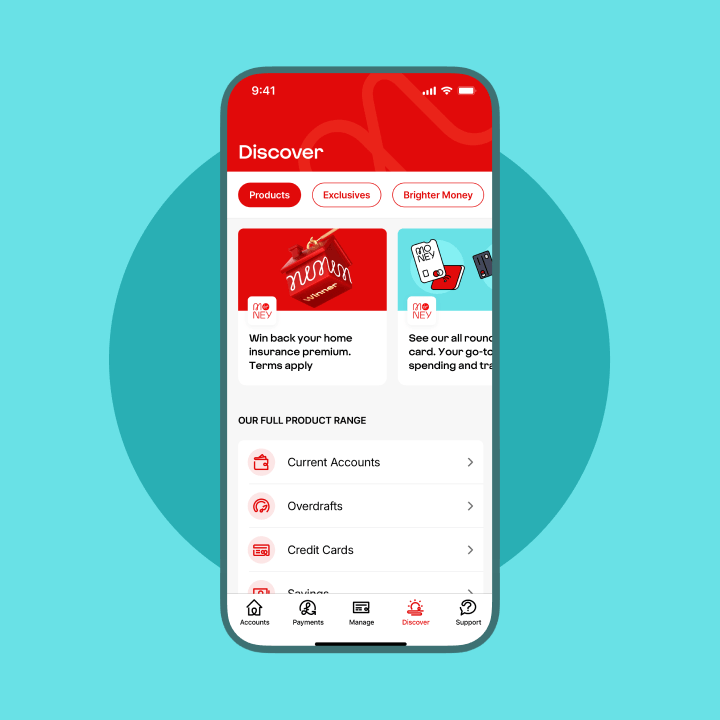
- View your personalised offers and cashback in one place
- Earn cashback with selected retailers when you spend
- Use your current account to access exclusive offers and savings products built for you
Get help when you need it
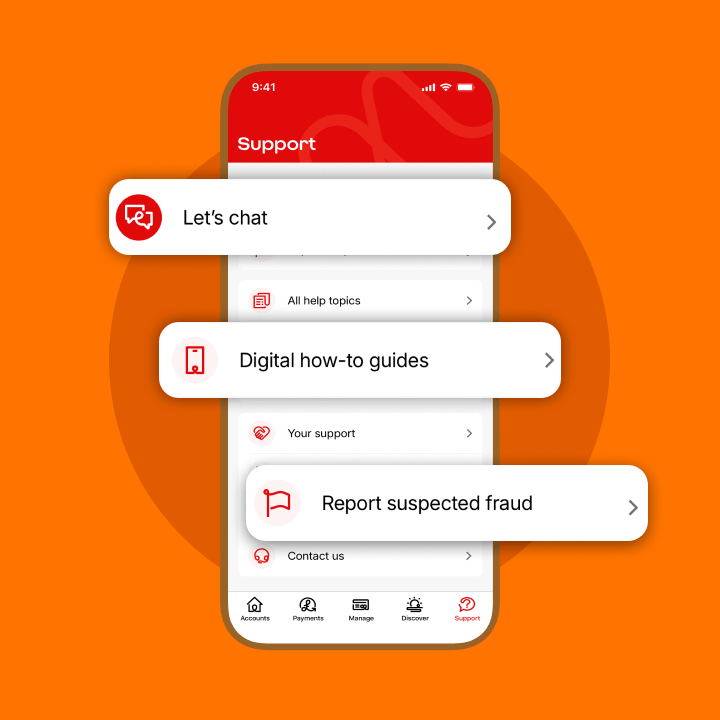
- Get support quickly through our in-app chat
- Master the basics with our simple, step-by-step guides
- Find the answers you need without ever leaving the app
What’s changed
We’ve streamlined a few things to make managing your money easier. Some features have been removed and some information is shown differently.
To keep things simpler day to day, we’ve removed budgets and spending forecasts.
Soon, you’ll be able to:
- Track your balance so you know what’s left until payday
- See your spending by category, so you can compare it month to month
We’ve removed the timeline view to make it easier to follow activity on each account.
Instead, you can:
- View transactions by account
- See full transaction details in each account
We’ve removed the separate list of cancelled Direct Debits and standing orders.
Instead, you can:
- View active Direct Debits and standing orders in Payments > Scheduled
- Find cancelled regular payments by searching your transactions
We’ve removed the separate payments view.
Instead, you can:
- Check payments in your transaction list
- See when payments were made
Download our app
Visit Google Play and download our app
Android 8.0 or above
Learn how to download on AndroidDownload our app
Visit the App Store and download our app
iOS 14.7 or above
Learn how to download from the App StoreDownload our banking app
Scan the QR code or download from your app store.
Need help?
Learn how to download from the App Store Learn how to download on Android A QR code Link opens in a new window
iOS 14.7 or above
Link opens in a new windowAndroid 8.0 or above
Need some help?
Digital how-to guides
Get extra support
Prefer to speak to someone?
Call us
0800 678 3654Or if you're abroad, call us on +44 141 221 7300
We're here Monday to Friday 8am - 6pm, Saturday 9am - 1pm
Calls may be recorded for training and quality purposes.
Was this information helpful?
Thanks for your feedback!
Just so you know, we can't reply to feedback directly. If you need any extra help, please contact us.