1. Complete your form
You will be asked to download and complete a cash ISA reactivation form if you have not subscribed to your Virgin Money Cash ISA in the previous Tax Year.
Before you send us your ISA reactivation form, check a few things first:
- You have downloaded the most recent version of the reactivation form.
- Your account sort code starts with ‘05’ or '82'.
- Please ensure you have completed the form.
2. Take a good photo
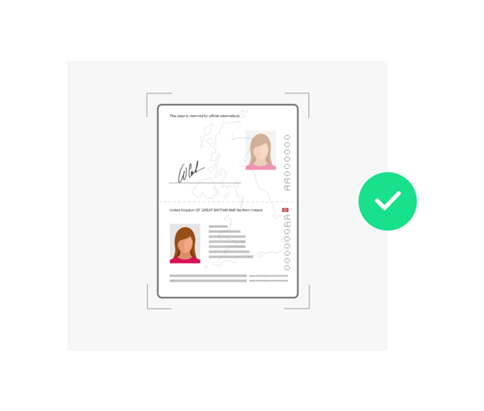
Please read our tips - getting it right will speed up your application.
- Use a well-lit room.
- Don't use flash.
- Check focus. If it's out of focus, please retake it.
- Hold the camera directly above your document.
- Get everything required in the frame.
Ready to send your form?
You should now have a suitable photo or scan
Select 'continue' to upload and send your form securely. Once uploaded, we need around two working days to go through them.
Continue