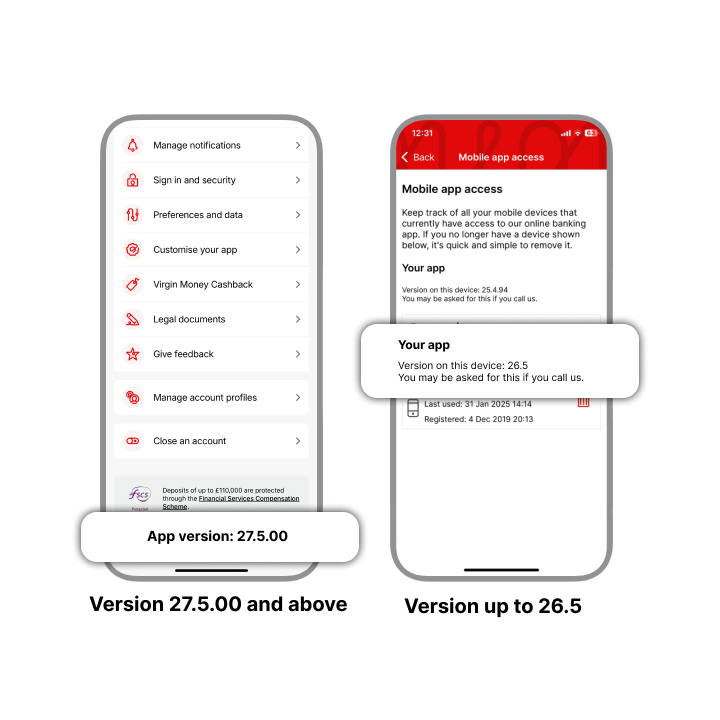
Choose your app
The guides are different depending on which version of the app you have. Choose the one that looks like the app on your screen.
Not sure which version you have? Check your app version
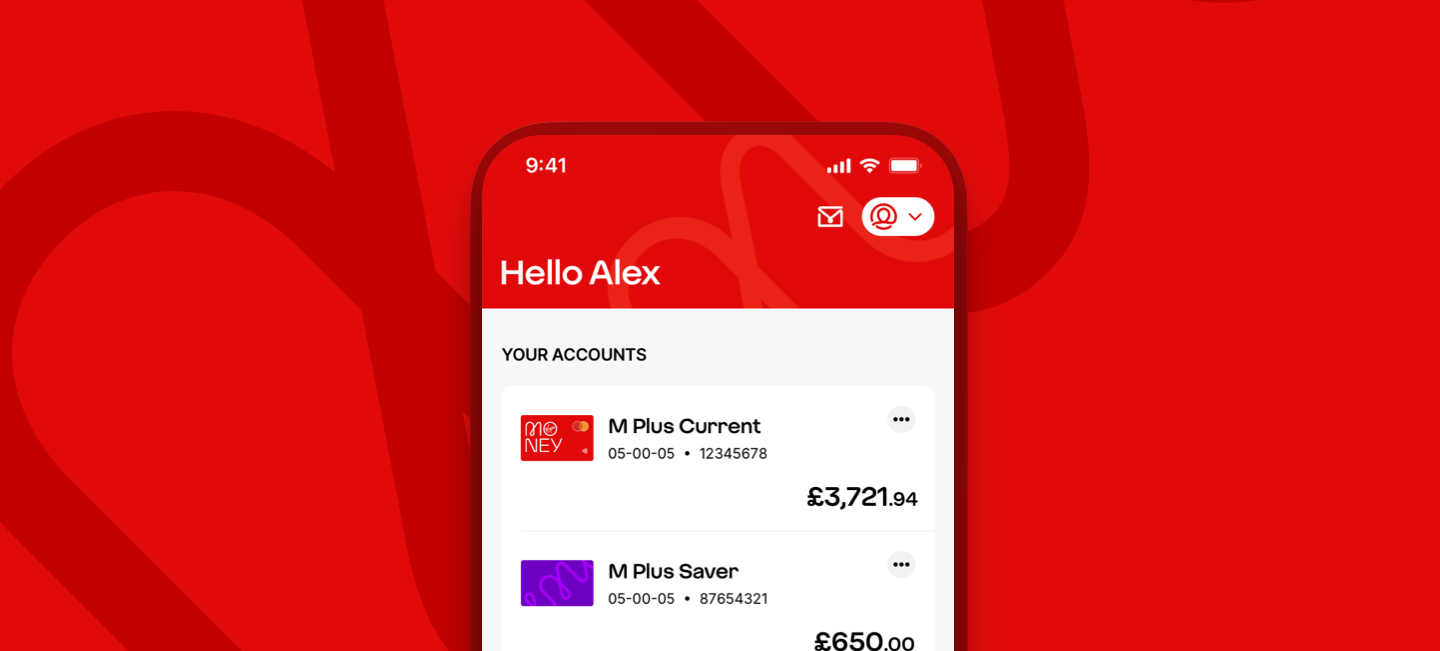
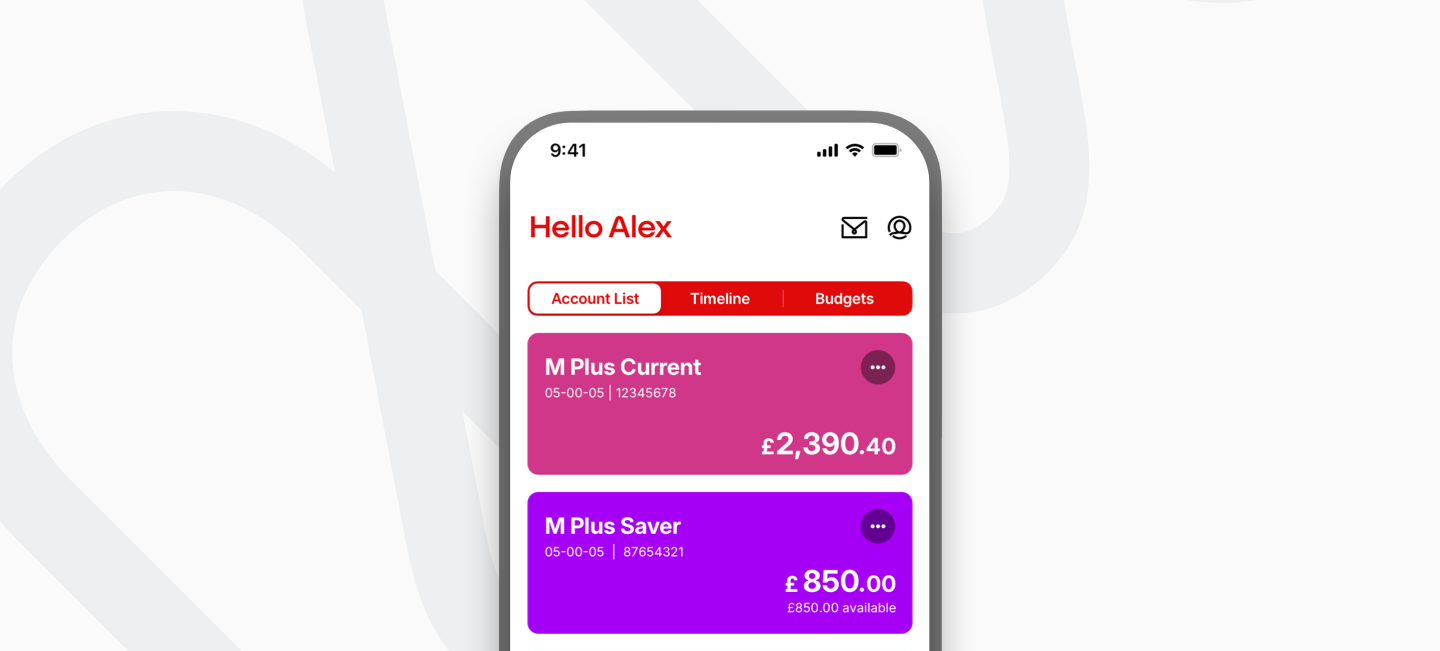
Check your app version
You can check your app version in a few steps.
- Sign in to the app
- Select ’My Profile’ in the top right
- Your app version is shown at the bottom of the menu
If you can’t see your version: - Select ‘Access and security’
- Select “Mobile app access’
- Your version is shown under ’Your app’