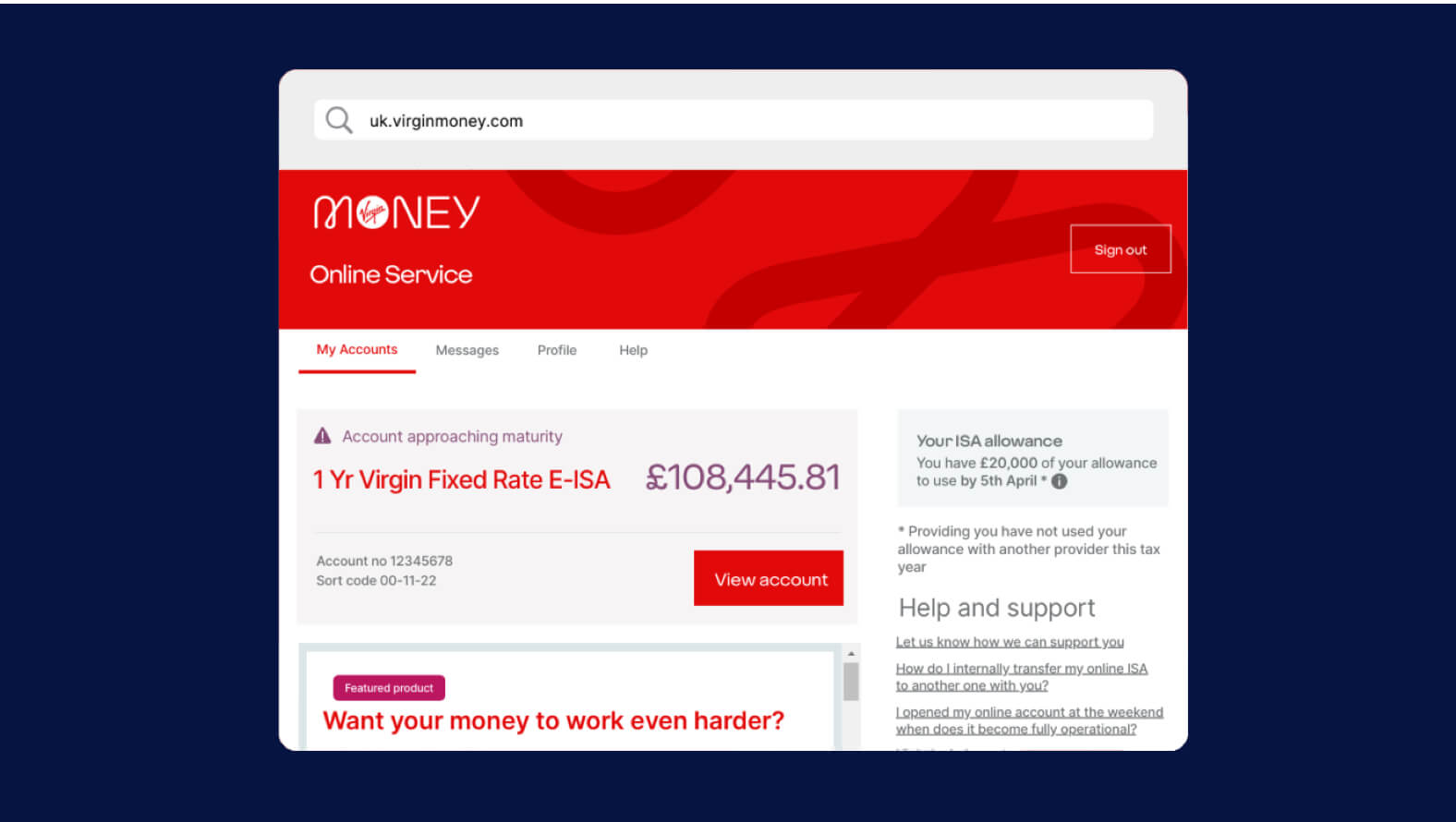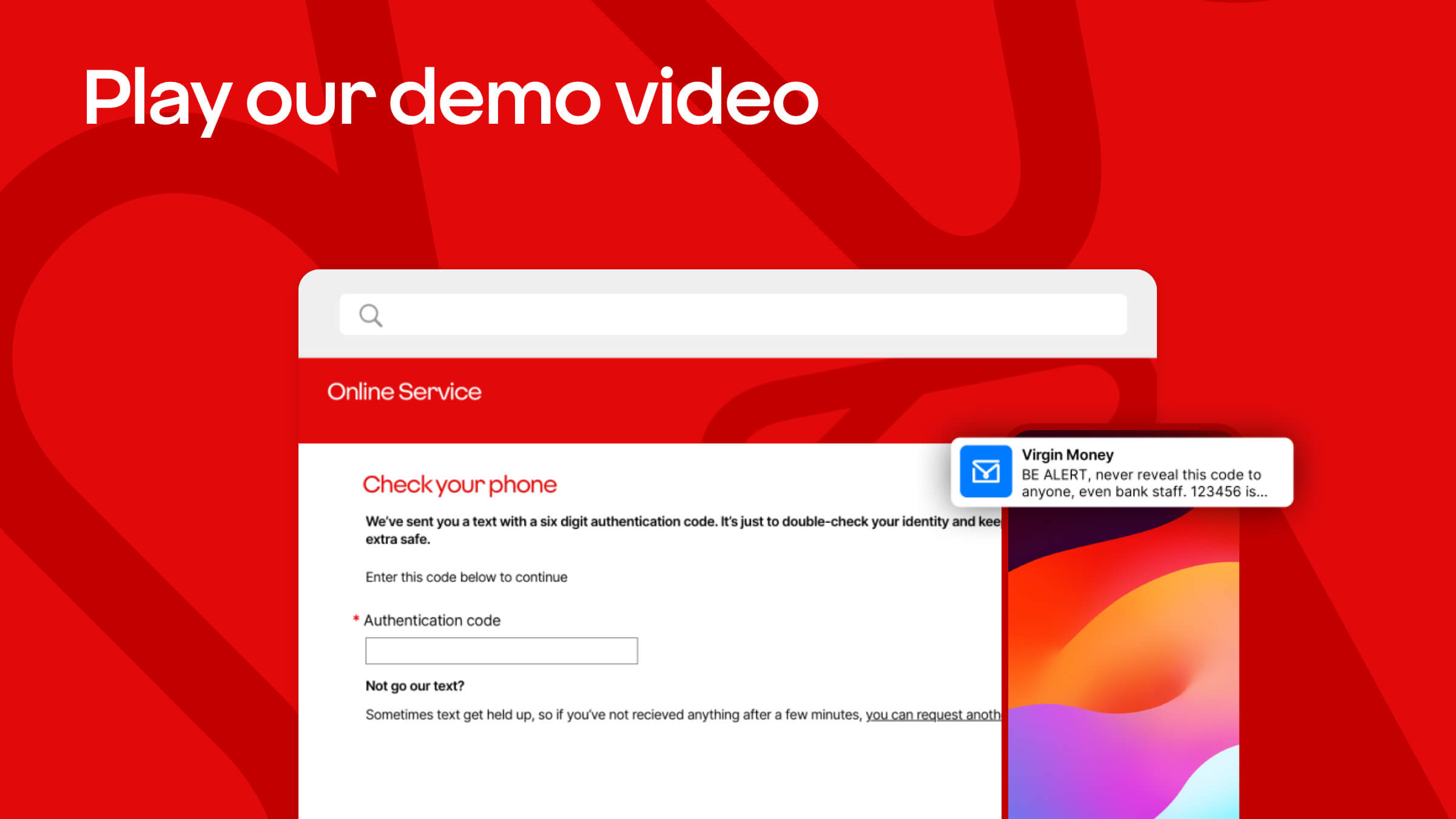
Step-by-step guide
Before you start, you'll need: your sort code, your customer ID and the email address and phone number that's registered to your account.
1. Open your browser and type in uk.virginmoney.com
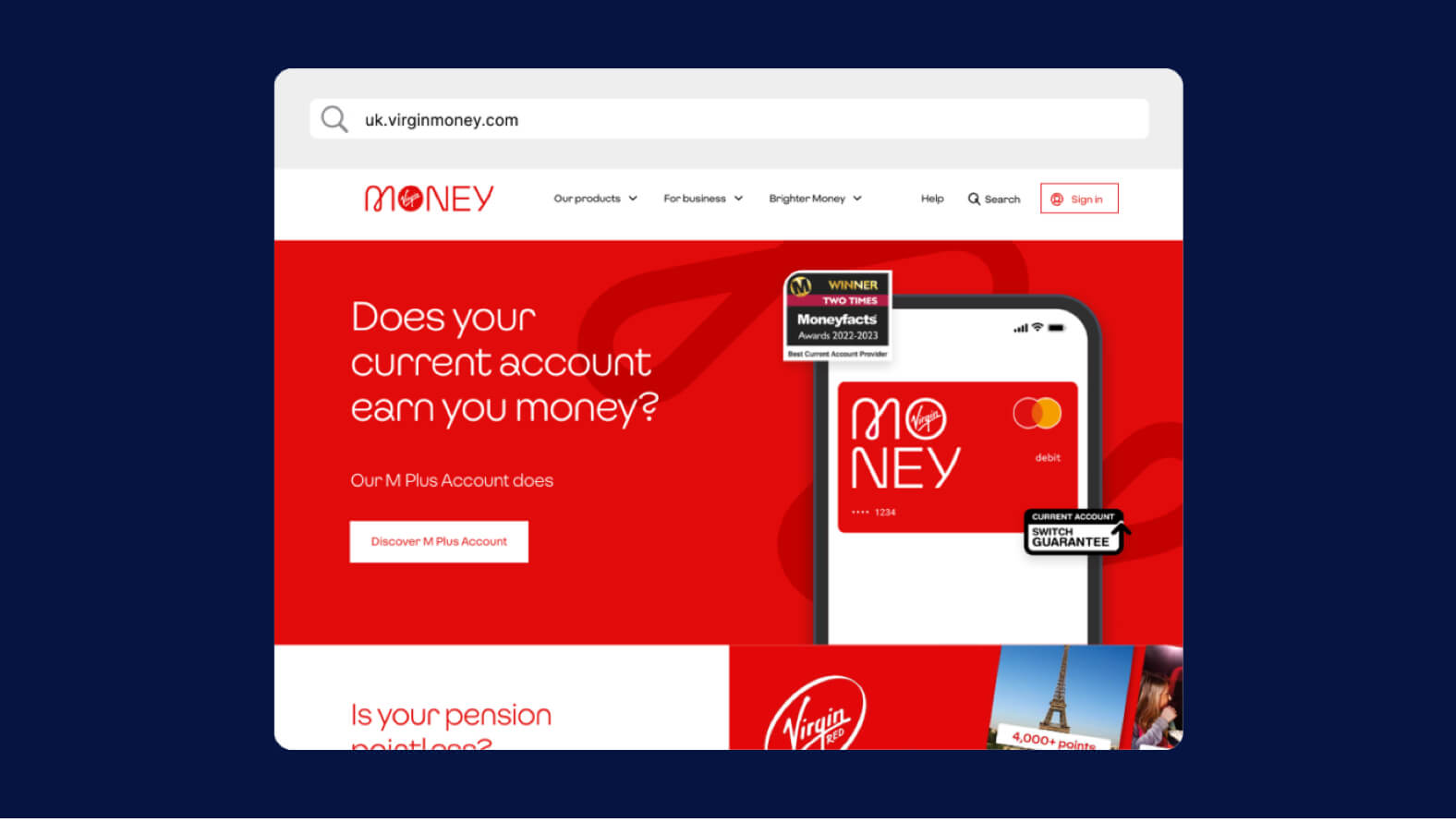
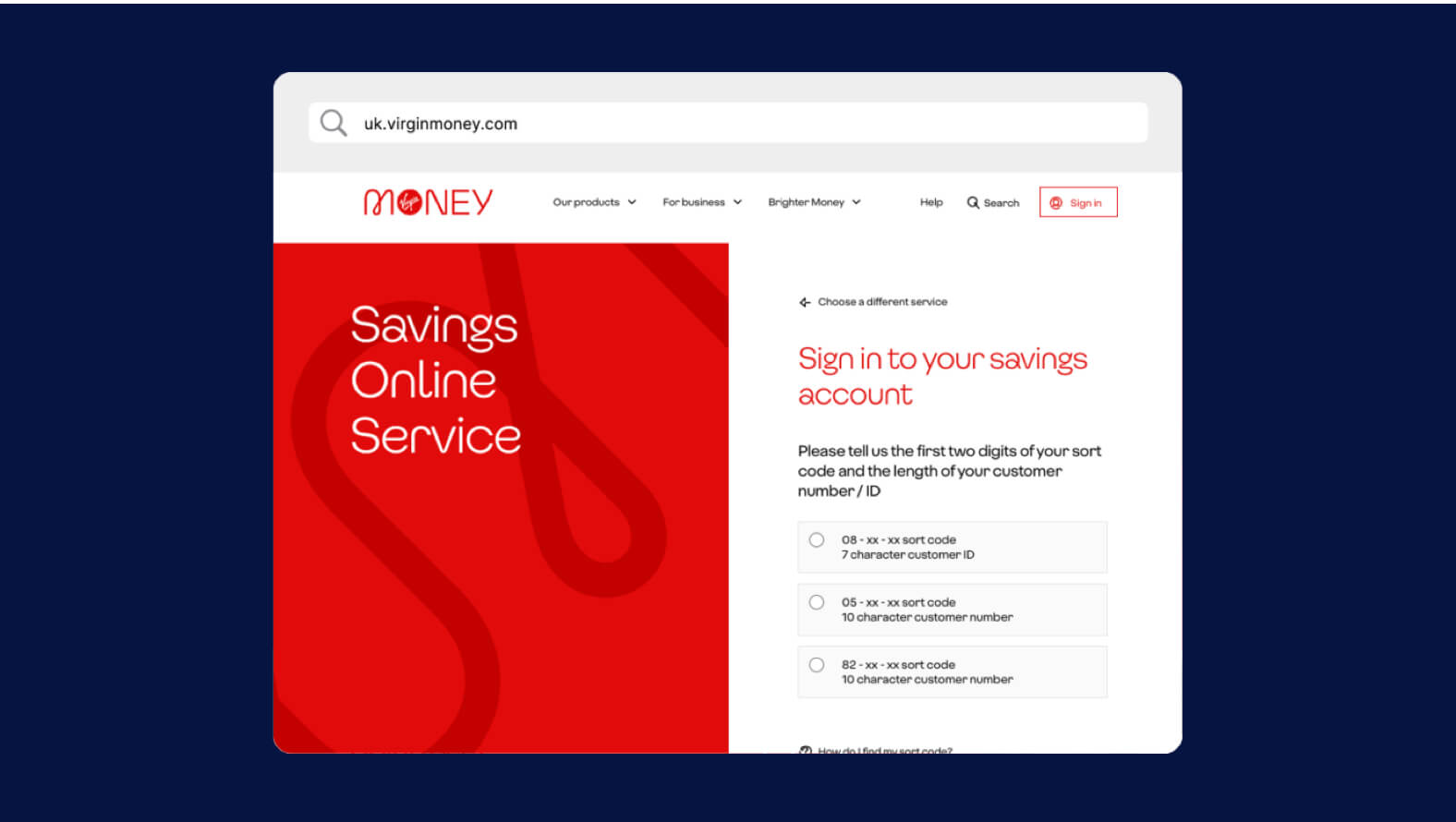
2. Select the 'Sign in' button in the menu and choose 'Savings'
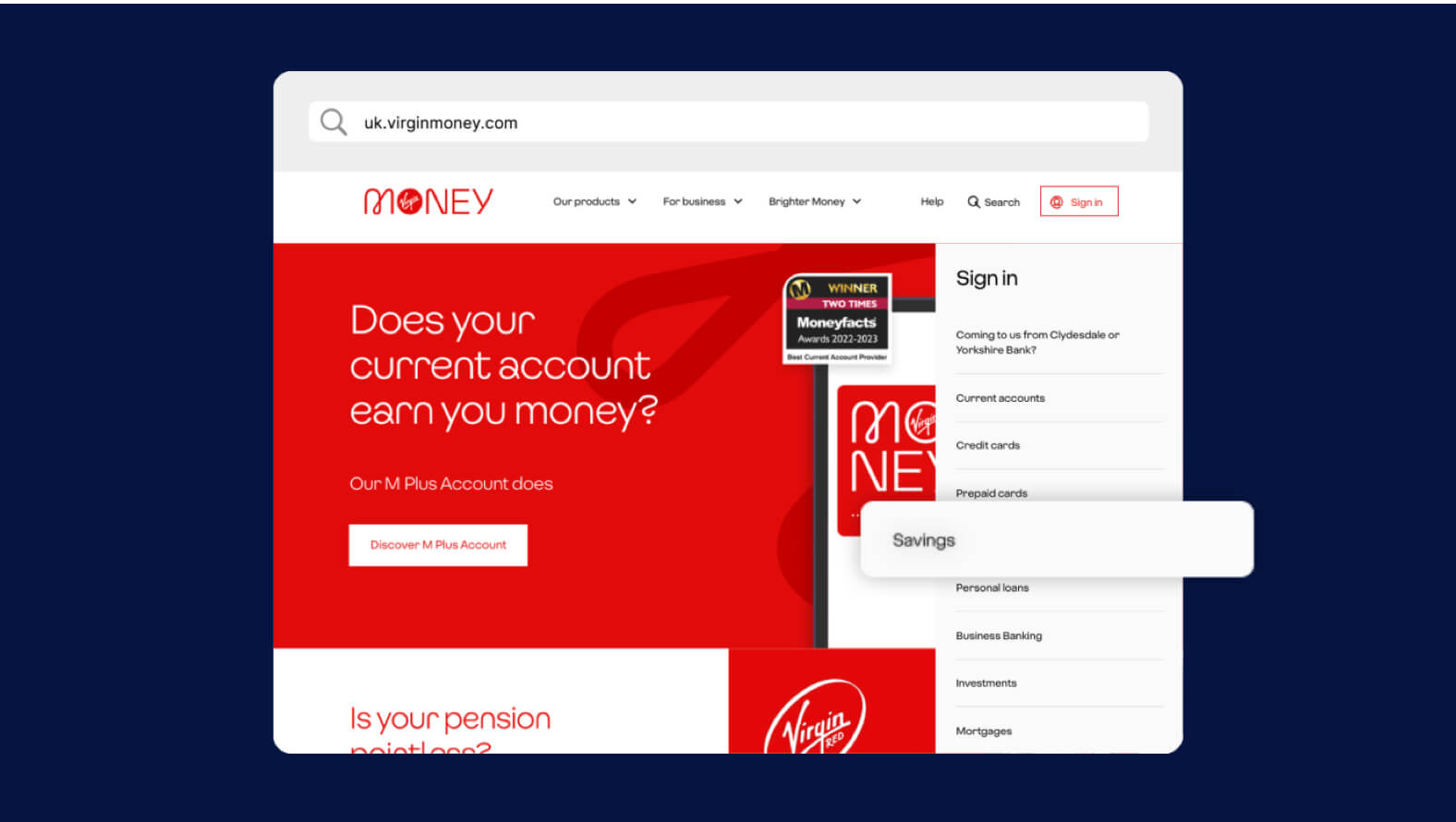
3. Select your sort code option and use your customer ID to sign in
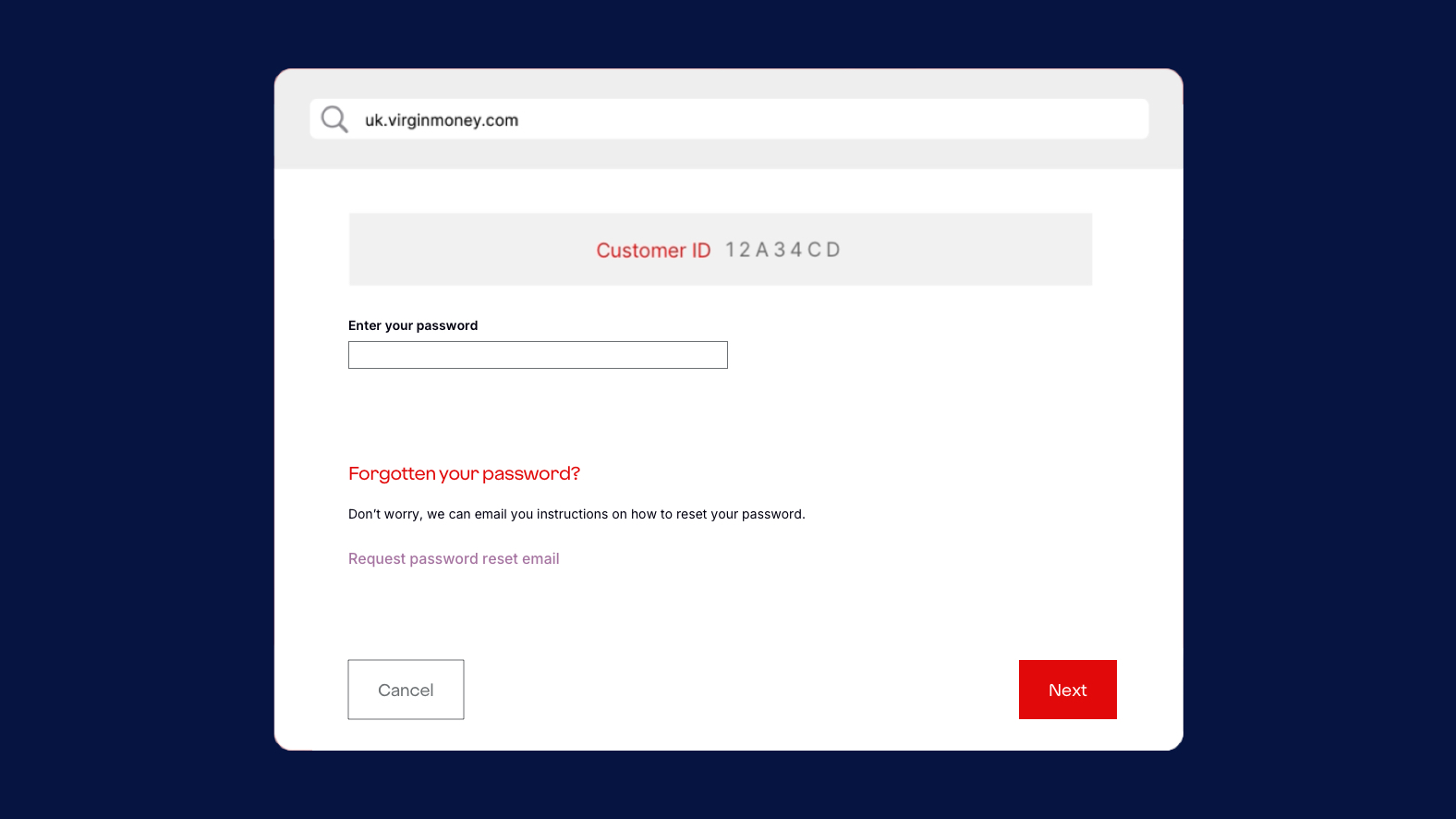
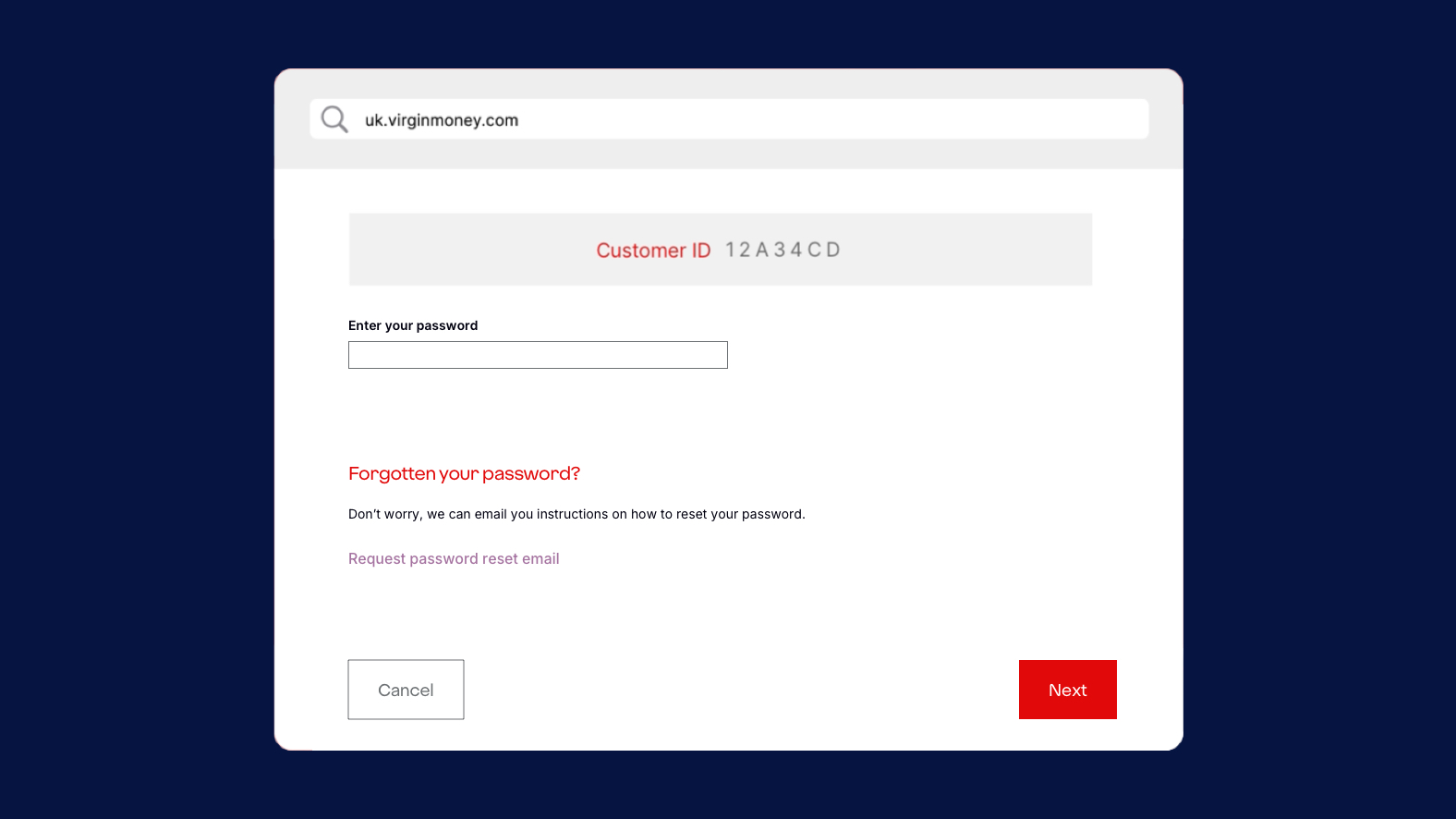
4. From the sign in page select ‘request password reset email’
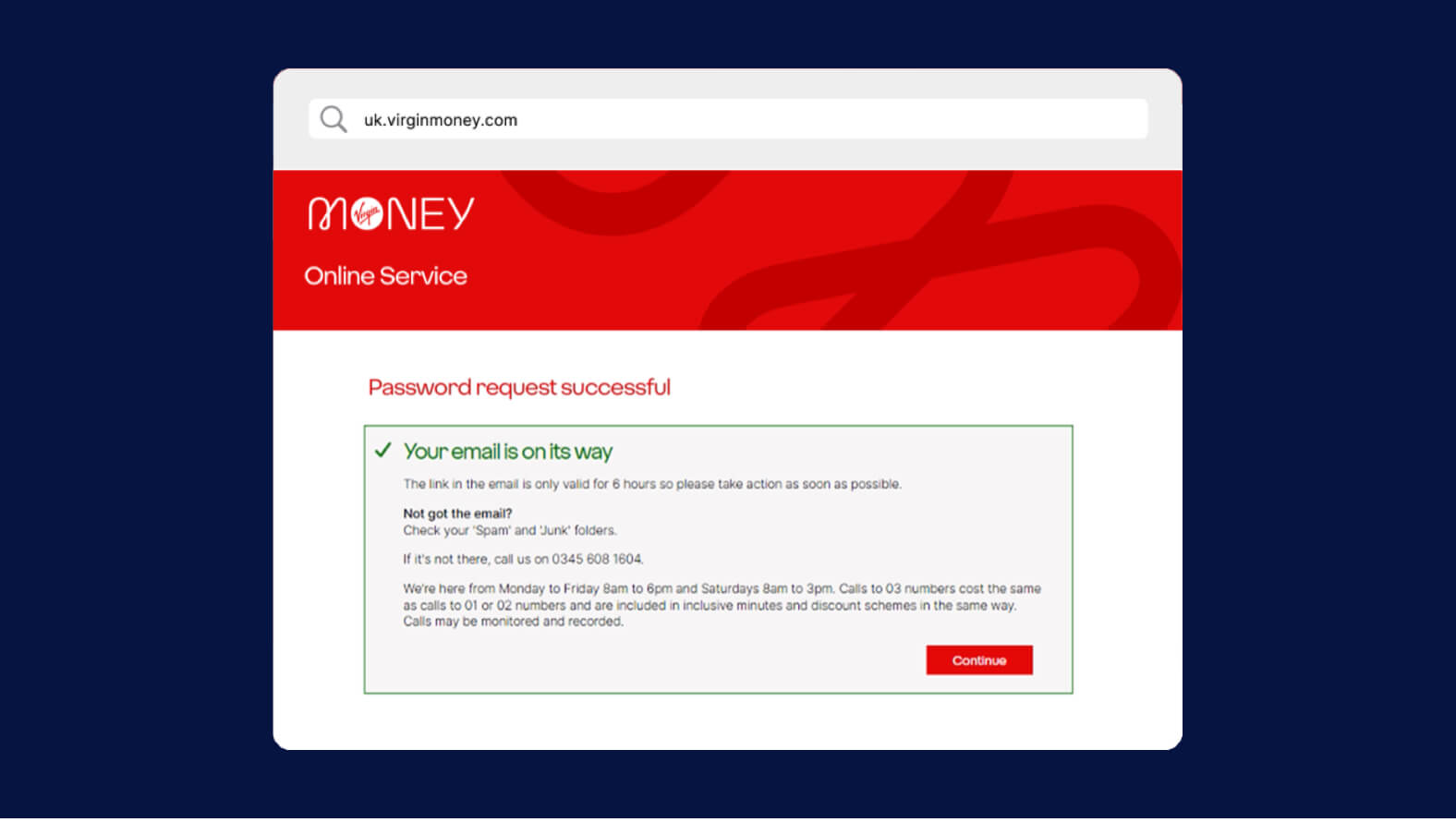
5. An email will be sent with details on how to access your new temporary password
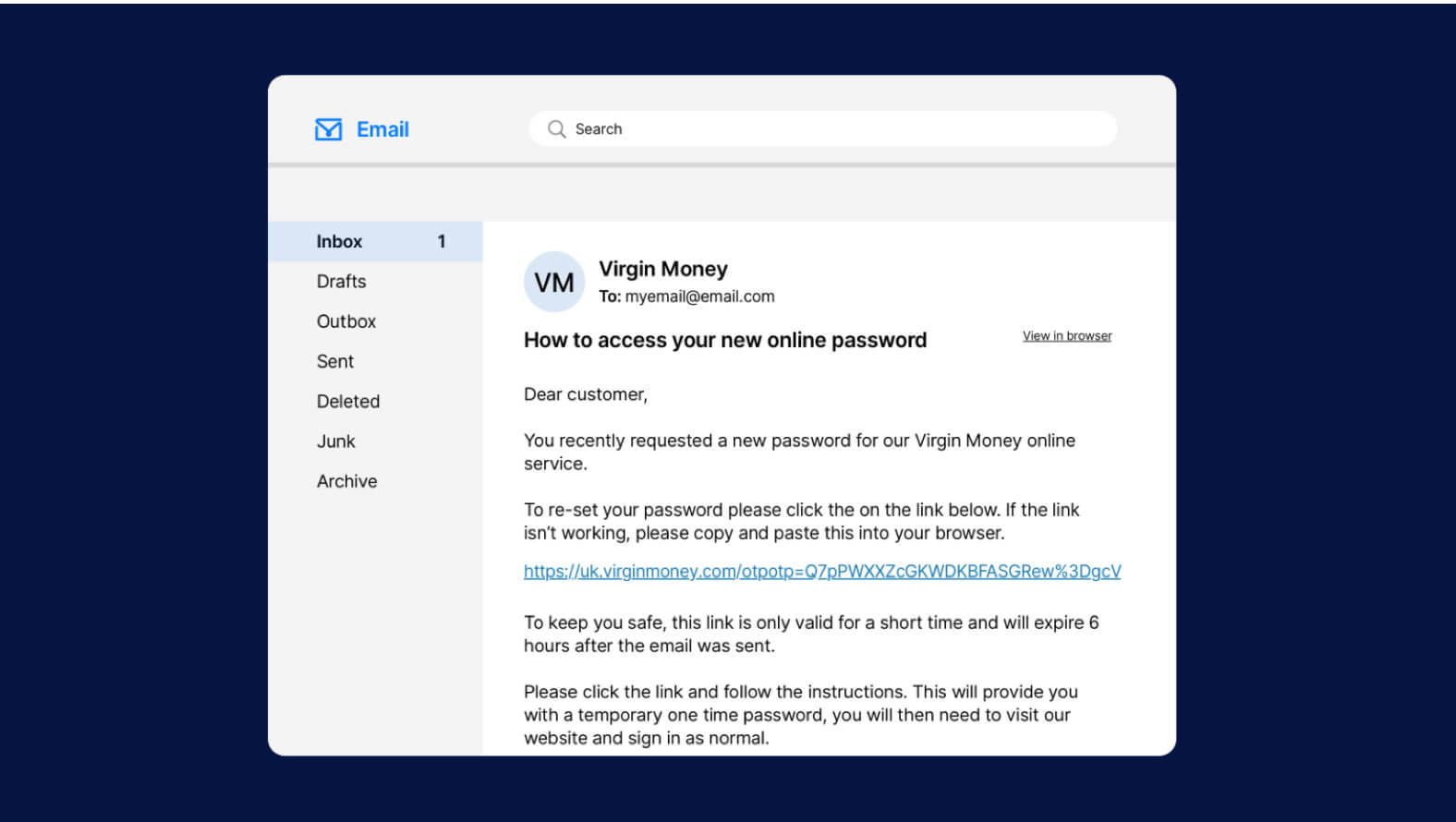
6. Open the link in the email
7. The Virgin Money website will open and you'll be asked for your customer ID
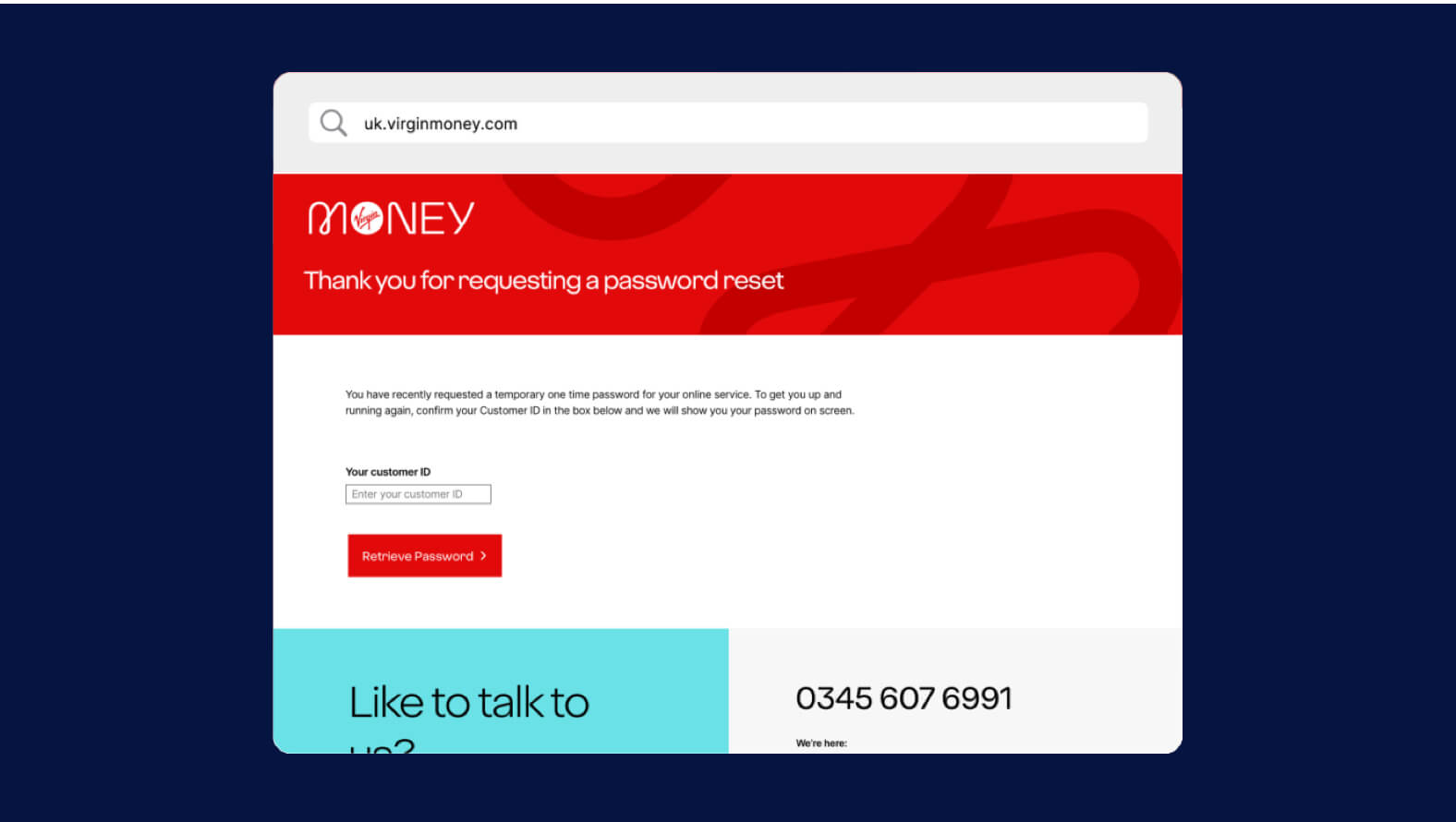
8. Take note of the temporary password shown on the screen
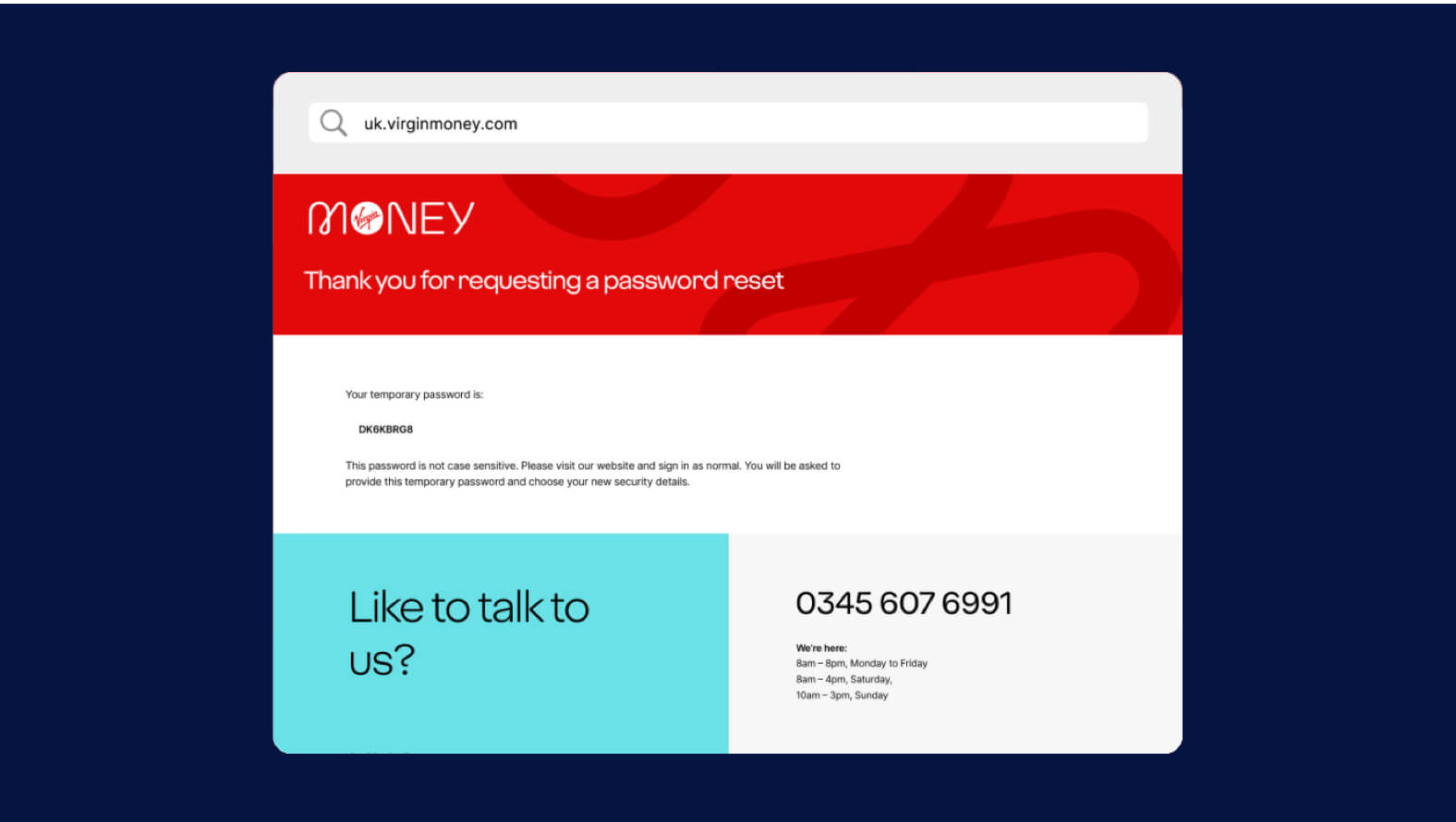
9. Go back to the Virgin Money homepage and sign into your account using your temporary password
10. You’ll be sent an SMS containing a 6 digit authentication code
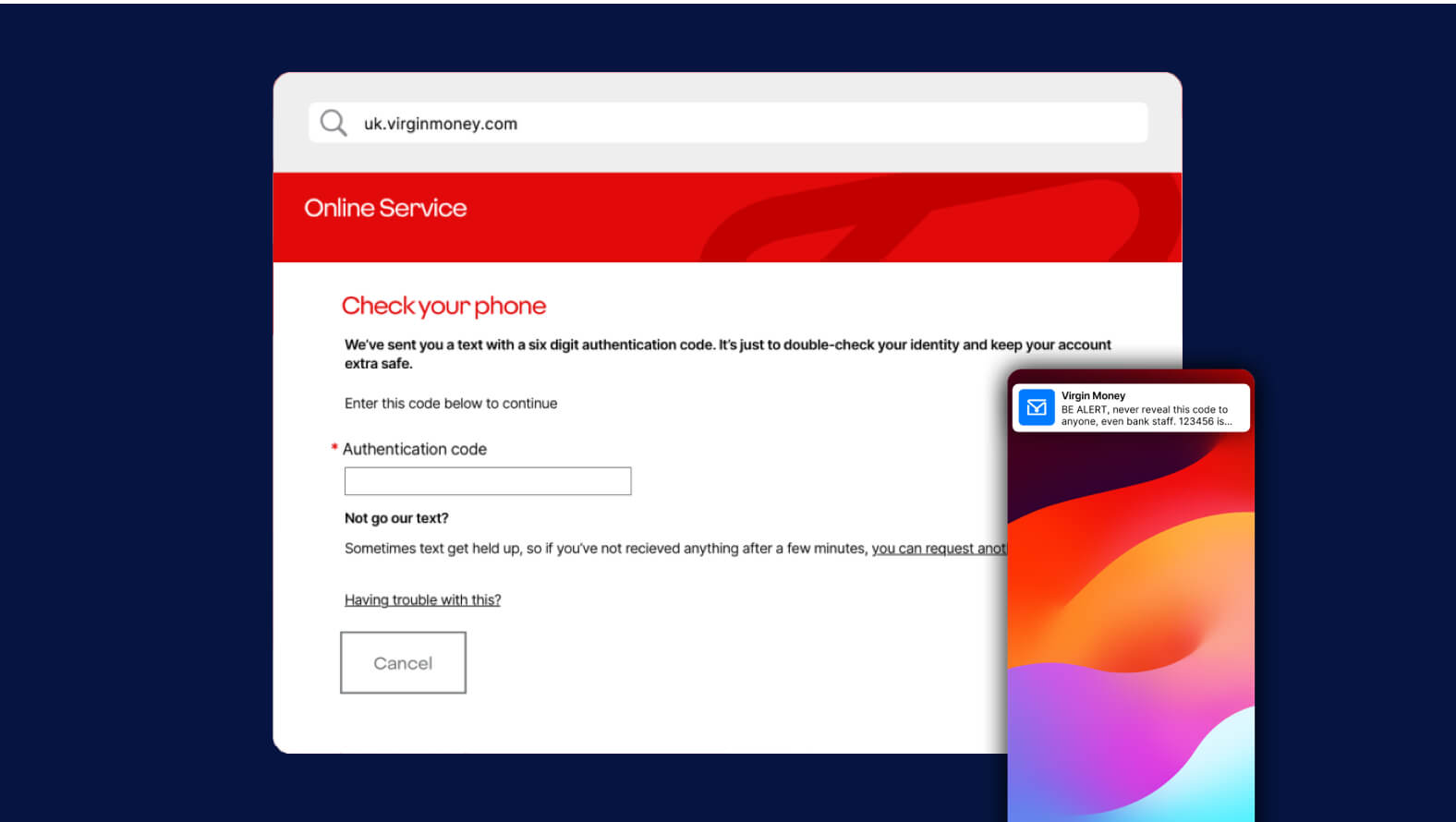
11. Enter the code and select 'next'
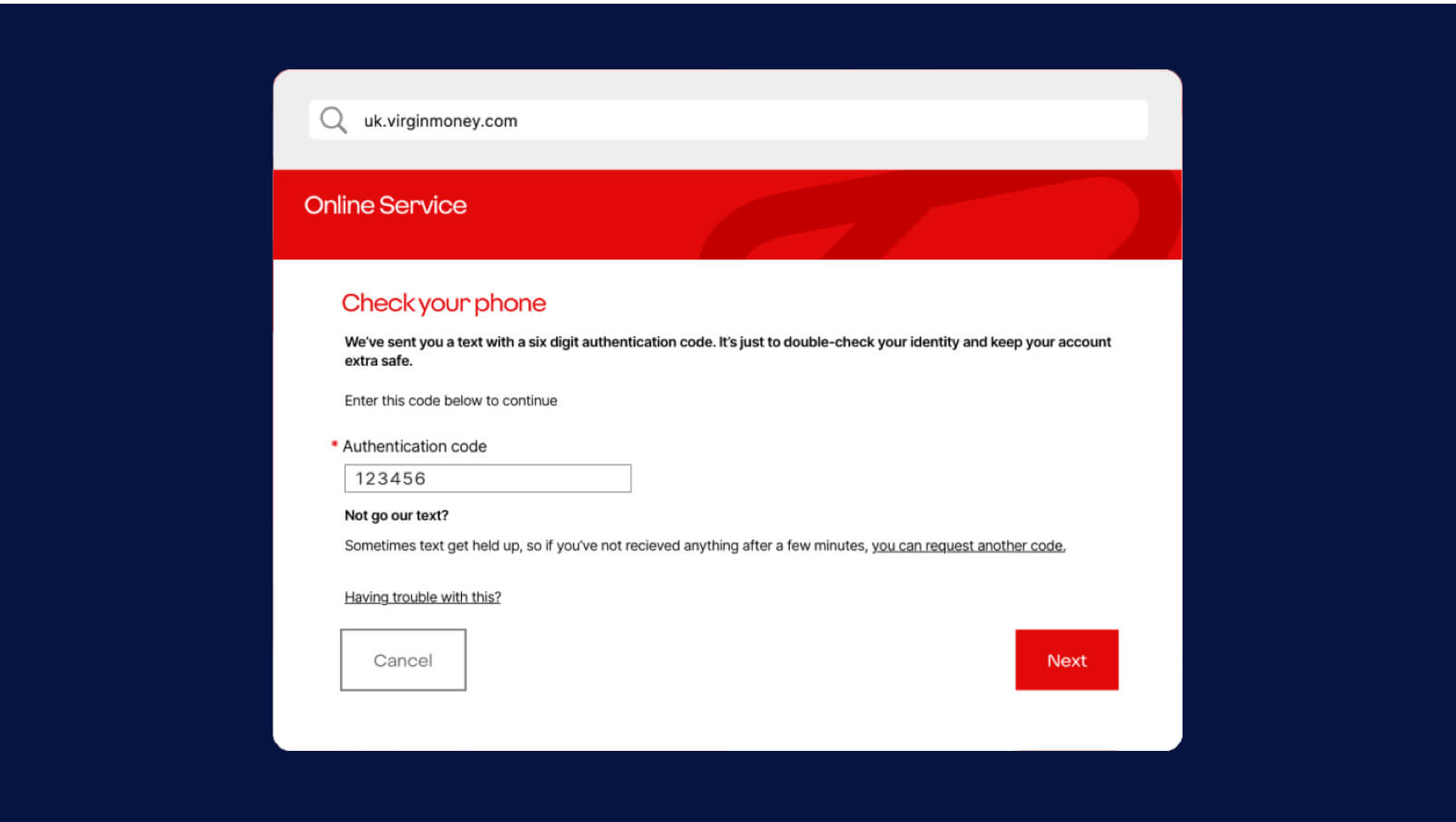
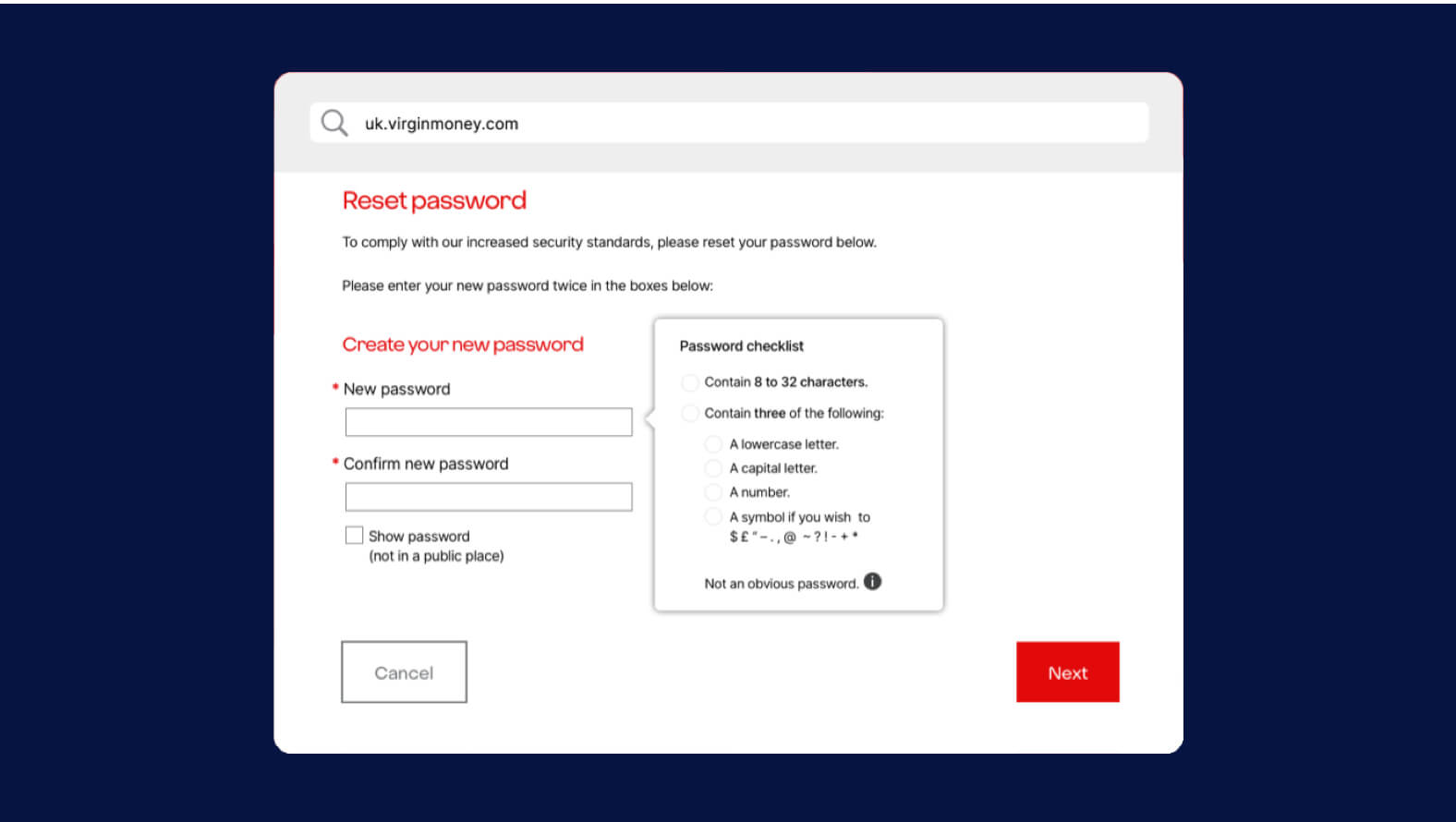
12. Create a new password
13. We'll do a security check and ask you to confirm your details. If your details are correct, select 'next'.
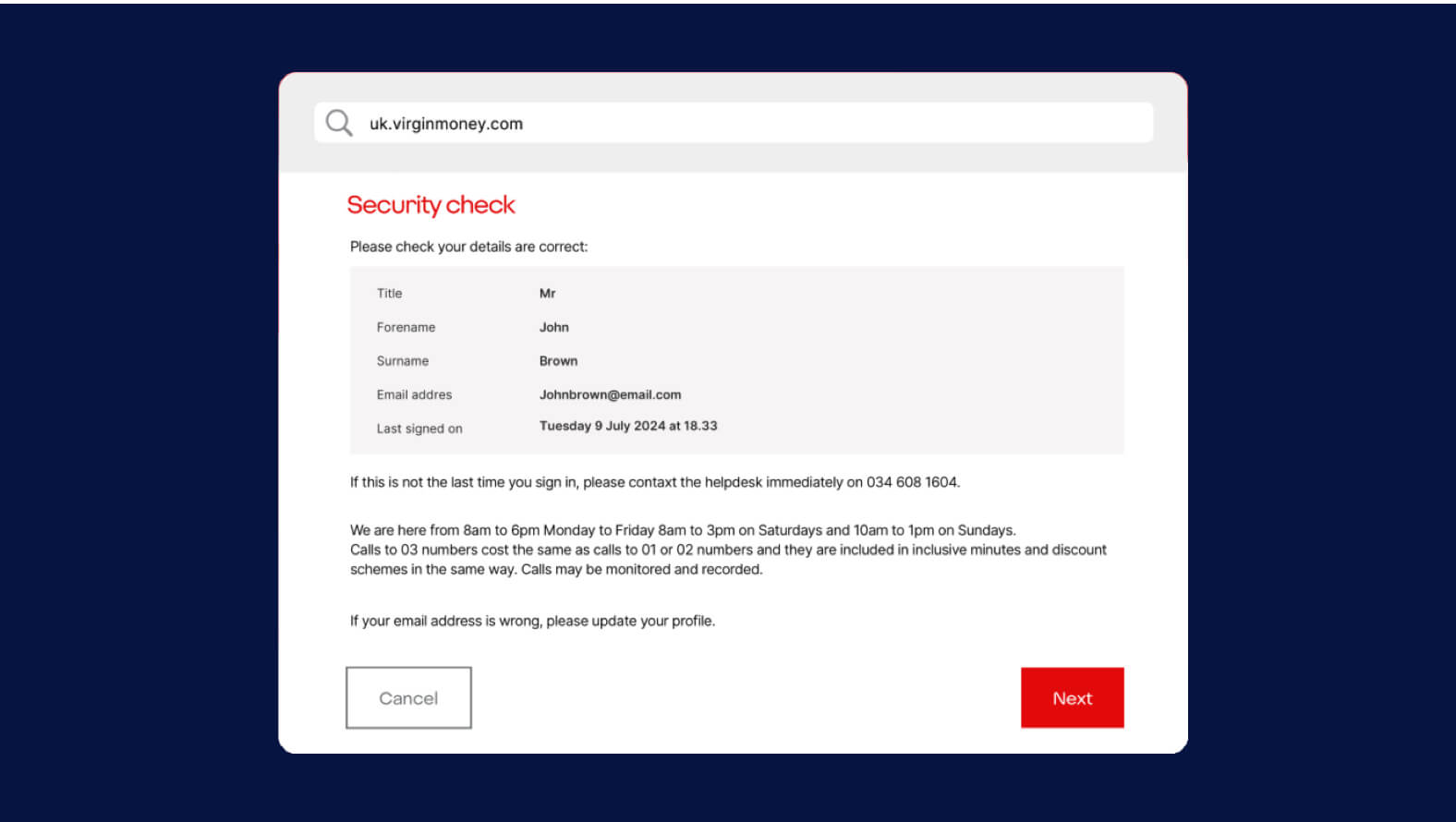
14. Your new password will be saved and you'll be taken to your accounts page.